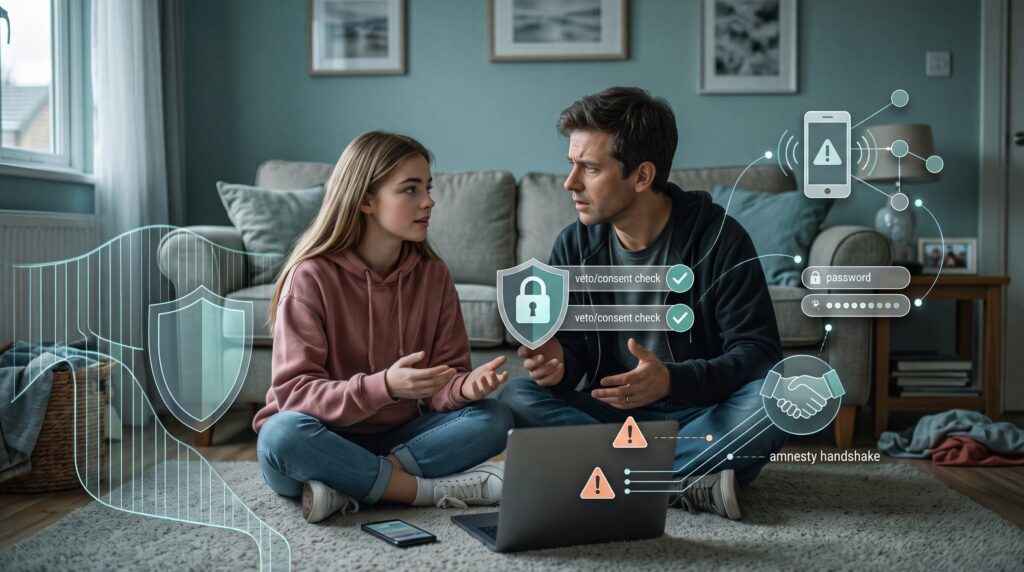
Parents often assume their primary digital battle is filtering bad websites or policing screen time.
The reality is more uncomfortable: our kids are actively working around surveillance tools, rolling their eyes at outdated security advice, and dealing with a digital footprint created for them before they could even walk.
When password manager 1Password and cybersecurity firm Malwarebytes conducted their joint landmark study, Parenting and Growing Up Online, they exposed a stark divide:
- 89% of parents believe they actively monitor their teenager’s digital accounts.
- 66% of teenagers report their parents have zero involvement in what they actually do online.
- 72% of teens admit to using workarounds—including secondary burner devices, VPNs, and factory resets—to bypass household oversight entirely.
Heavy-handed surveillance rarely creates safety; it simply drives risk underground. To raise digitally resilient kids without building resentment, we must replace obsolete rules with functional, adult-level habits.
1. The “Sharenting” Trap: Who Built Whose Digital Footprint?
Nearly 80% of parents post photos, videos, or personal updates about their children online, with nearly 40% starting the day their child is born.
Yet 73% of Gen Z wish their parents would ask permission before posting them to social media. Only about a third of parents ever do.
Beyond teenage embarrassment, unmanaged “sharenting” creates two distinct security vulnerabilities:
- Synthetic Identity Theft: Children possess blank-slate credit files, making them ideal targets. A public profile showing a child’s full legal name, exact birthdate, sports teams, school logos, and geotagged family vacations hands identity thieves the exact data points needed to manufacture synthetic identities years before a teenager ever applies for their first car loan or credit card.
- The Household Veto Rule: Model personal data autonomy by giving your kids veto power over your social feeds. If a photo or story includes them, they have final editorial review before it goes live. If they say no, it stays off the internet.
2. Ditch the 1990s Password Folklore
A full 70% of Gen Z report receiving password security advice from their parents. Unfortunately, much of that advice is obsolete folklore from an era before automated attack scripts.
Telling kids to “take a pet’s name, add a birth year, and tack on an exclamation point” does nothing to stop modern credential-stuffing tools that test billions of leaked password combinations in seconds.
- Trade Passwords for Passphrases: Teach them why four random, disconnected dictionary words (like
coffee-battery-sunset-guitar) provide vastly more cryptographic entropy thanP@ssword2024!, while remaining effortless to type on a phone screen. - Deploy a Password Vault: Teenagers manage dozens of fragmented accounts—school portals, Discord servers, game launchers, and social profiles. Setting them up with a robust manager like 1Password, which offers family vault sharing, eliminates the urge to use one “master password” across every service without forcing them to memorize endless strings.
3. Establish the “Digital Amnesty” Protocol
When household rules focus entirely on punishment—device confiscation, tracking apps, or grounding—teenagers do not stop making mistakes. They simply stop reporting them.
When an adolescent clicks a malicious link, gets extorted on a messaging app, or lands on an alarming site, their immediate reaction is often panic that their parents will take their phone away. That fear keeps them silent during the critical 15-minute window when an account takeover or financial scam can still be reversed.
- The 15-Minute Rule: Establish an explicit household standard: if your teen encounters an extortion attempt, accidental charge, suspicious message, or account takeover, they can bring it to you immediately with zero device confiscation and no punishment.
- Incident Response, Not a Discipline Hearing: When a child brings a compromise to you, treat it like an IT support ticket. First, disconnect the device, revoke active sessions, and reset compromised credentials. Address the poor judgment or behavioral lesson only after the technical threat has been neutralized.
4. The Monitoring Trap: Why “Parental Spyware” Backfires
Faced with alarming headlines, many parents turn to the booming market of monitoring software—apps that log keystrokes, track location 24/7, and scrape private messages.
In practice, high-friction surveillance often triggers an unwinnable arms race:
- The Illusion of Control: Restrictive monitoring tools create a false sense of security for parents while turning teenagers into evasion experts. When oversight feels adversarial, teens pivot to secondary “burner” apps, encrypted chats, VPNs, or factory resets that bypass dashboards entirely.
- Closing the Safety Valve: If a teenager knows every message and search query is surveilled, they won’t use their device to research sensitive questions—and they won’t come to you when an online situation goes sideways.
- Guardrails vs. Espionage: Set basic network-level boundaries (like DNS adult-content filters or scheduled router cutoffs) for baseline hygiene, but resist treating your child’s phone like an active wiretap. As the Electronic Frontier Foundation highlights in their guide to Online Privacy for Parents and Youth, practical family defense relies on threat modeling and mutual agreement, not invasive software that adolescents inevitably learn to evade.
5. Practice “Out-of-Band” Verification
Teens operate in digital environments saturated with cloned social accounts, hijacked Snapchat handles, and manipulated screenshots.
Teach them the single habit that stops 90% of impersonation attacks: never verify a person inside the channel they used to contact you.
- If a friend’s account suddenly sends an urgent message asking for a verification code, money transfer, or emergency favor, tell your teen to stop.
- Walk across the room, call their actual phone number, or send a message through a completely different app to confirm the request is real.
The Shared Standard: Model What You Preach
Digital hygiene is not absorbed through parental lectures; it is caught through daily observation.
If parents reuse weak passwords on household accounts, panic at suspicious emails, or leave shared devices unlocked, teens notice. Building digital confidence is not about exerting absolute surveillance over your child’s hardware—it is about establishing shared, adult-level security habits that keep the entire household resilient.
Essential Resources & Further Reading:
- For a structured framework on household threat modeling and having age-appropriate digital boundary conversations without intrusive software, read the Electronic Frontier Foundation’s Online Privacy for Parents and Youth.
About The Study:
This article references data from the Parenting and Growing Up Online survey conducted by 1Password and Malwarebytes. The research surveyed $n=1,000$ Gen Z respondents (born 1997–2009) and $n=1,000$ parents of children aged 8 to 17 across the United States and Canada.
Disclosure: Some of the resources mentioned in this article contain affiliate links, which help support the Digital Mastery Project at no additional cost to you. We only recommend platforms and tools we thoroughly trust to keep our own families secure.